
How to Tell If a Facebook Ad Account Warning Is Real or a Scam (Meta Email Safety Guide)
In this article, we will visit:
-

1. Signs of a Real VS Fake Facebook Message or Meta Scam Email
Read our checklist of what is typically in real vs fake messages (or emails) from Meta.
-

2. How to Check if Your Meta Account Is Actually Restricted
Find easy instructions on how to check if your Meta or Facebook account is actually restricted or disabled.
-

3. What Happens If You Click a Fake Meta Link?
Accidentally clicked on a spam link? Here’s what can happen and what to do next.
-
4. How to Protect Your Facebook Ad Account from Hackers and Scams
Stay proactive! Protect yourself and your message from harmful hackers and spam for the future.
Signs of a Real Meta or Facebook Ad Account Email ✅
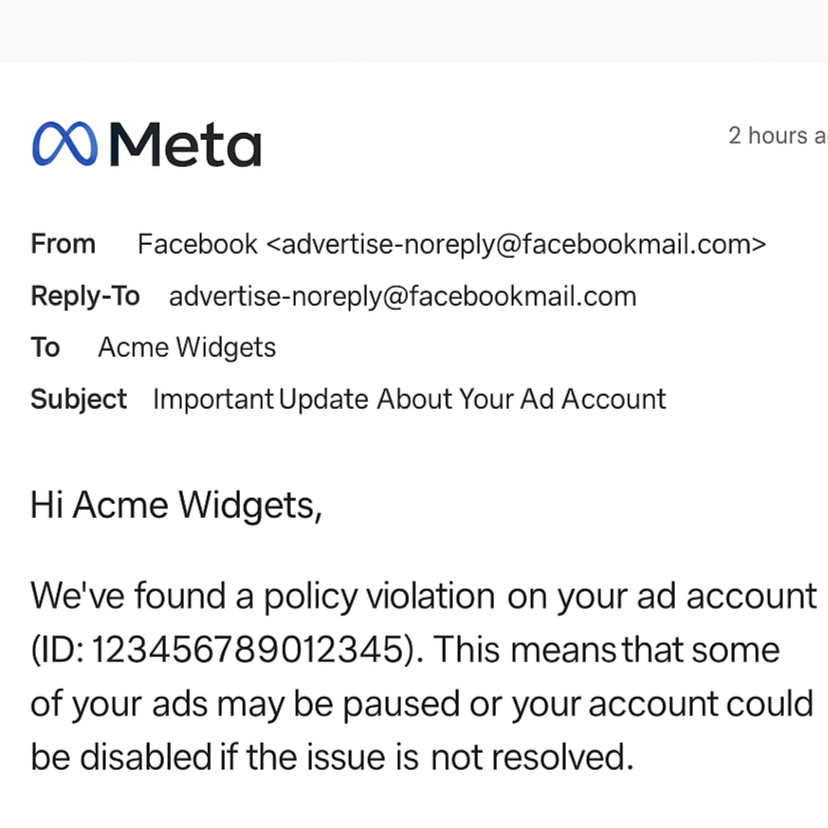
Sent from @facebookmail.com or @meta.com
Uses your actual business name or page name
Mentions your Ad Account ID or Business Manager ID
Links to a real Meta domain, like:
https://www.facebook.com/accountquality/https://business.facebook.com/adsmanager
Never asks you to log in from a sketchy link
No spelling mistakes or urgent threats
Signs of a Fake Facebook Message or Meta Scam Email ❌
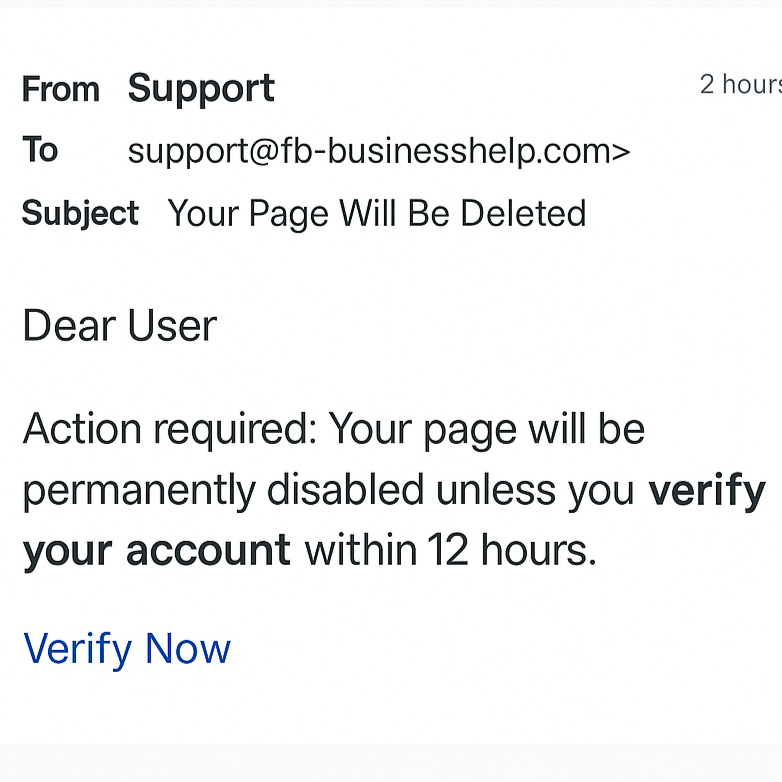
Sent from free email services or fake domains (like
support@fb-businesshelp.com)Generic greetings like “Dear User”
Threats like “Your account will be deleted in 12 hours unless you verify now” or “Your page is at risk of being unpublished due to violations. Click this link to secure it.”"
Links lead to fake login pages or non-meta.com domains (e.g.,
bit.ly,meta-helpcenter.biz)Note: This is your most dead giveaway that your message is spam. Look closely! Sometimes the links look very similar to Meta or Facebook, such as “www.met.a.com” or “www. facebok.com”
Is only in your Facebook Page’s Messenger messages or comments sections (and not an email)
Note: Meta NEVER sends direct messages to your Page or Messenger to notify you of violations or restrictions!
Includes attachments or demands your password
How to Check if Your Meta Account Is Actually Restricted
Before you panic (or click anything) go directly to your Meta Business Manager dashboard.
Use these official tools:
NOTE: Make sure you’re in the right account on these pages! (There should be a dropdown with your account(s) on the top left or right of each page.

NOTE: If your ad account really is restricted or your business page has a violation, it will show up in one of these places. If there's nothing there? The message you got is likely fake.
What Happens If You Click a Fake Meta Link?
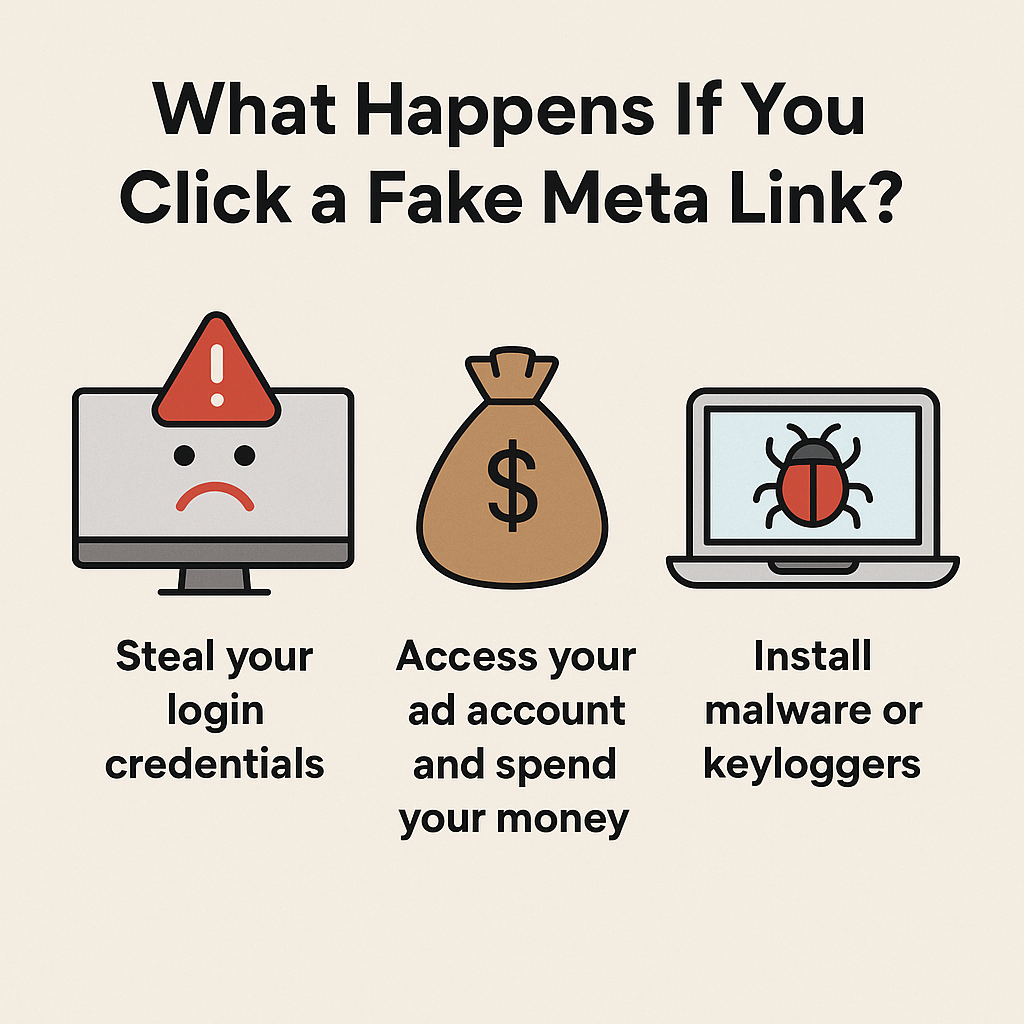
Scammers who send fake Meta emails often:
Steal your login credentials
Access your ad account and spend your money
Install malware or keyloggers on your device
If you've already clicked a suspicious link or entered your info:
Change your Facebook and email passwords immediately
Enable two-factor authentication (2FA)
Check Business Manager for new admins or active campaigns you don’t recognize
Book a Meta Ad Safety Audit with the Meta Ad Doctor below.
How to Protect Your Facebook Ad Account from Hackers and Scams

Here’s how we recommend keeping your Meta ad account safe:
Use 2FA (Two-Factor Authentication) on every account
Never click login links in emails—go directly to
facebook.comLimit admin access in your Business Manager
Check your Account Quality weekly
Use a password manager to avoid credential theft
Avoid using the same email/password combo across multiple tools
Questions on how to do any of these recommendations?
Meta Ad Doctor can help!
Let Us Help You Stay Safe
If you’re still experiencing issues, we're here to help!
Purchase a one-hour consult call here.
Includes:
Account quality scan
Verify if a Meta message is legit
Recover accounts compromised by phishing
Business Manager security audit
Fix ad restrictions & prevent future flags
Ad policy compliance check
Peace of mind

Best for simple ad fixes, reviewing errors, or quick campaign tweaks. A lot can happen in just one hour! Please come prepared and logged in ahead of time.